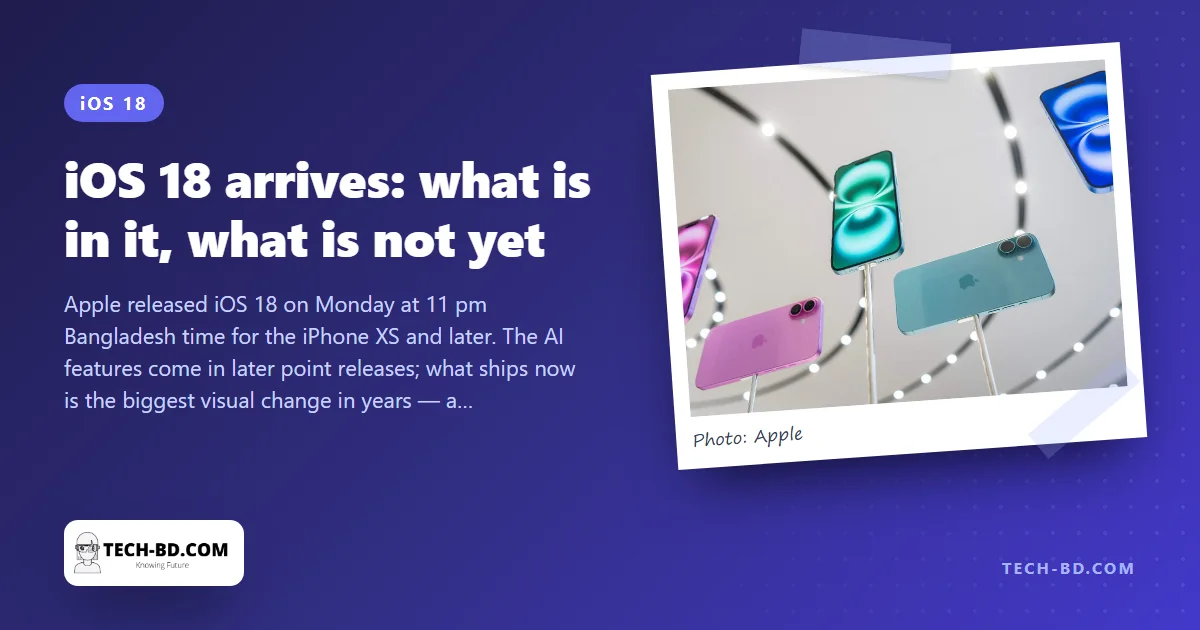
Apple released iOS 18 on Monday evening — 11 pm in Bangladesh — for every iPhone from the XS and XR onward. The headline of June’s WWDC, Apple Intelligence, is not in it; the AI features come in iOS 18.1 in October and 18.2 in December, and only for the iPhone 15 Pro and the new 16s. What every eligible iPhone gets today is the largest change to how the phone looks and is organised since iOS 7 in 2013.
The home screen, finally yours
Icons can now sit anywhere on the grid — a row along the bottom above a wallpaper, a column down one side — instead of filling from the top left. A long-press on the home screen opens a customisation panel where icons can be made larger (dropping their labels), switched to a dark style, or tinted to a single colour of your choice. Apps can be locked behind Face ID or hidden in a locked folder, so handing your phone to someone no longer means handing over your banking app.
Control Center rebuilt
Control Center becomes several pages you swipe through, and every control can be resized, moved or removed. Third-party apps can add their own, so the flashlight button can become a Grameenphone data-check or a bKash shortcut. The two buttons on the lock screen — torch and camera, fixed for years — can be swapped for anything, or removed.
Messages and Phone
Messages gains RCS, so texts with Android users finally carry read receipts, typing indicators, full-resolution photos and group chats that work — provided your operator has enabled RCS, which in Bangladesh Grameenphone, Robi and Banglalink have. Text can be bold, italic, underlined or struck through, animated with effects, sent on a schedule, and any emoji can be a Tapback reaction. The Phone app’s call recording with transcription, listed in Apple’s announcement, is one of the features held back for 18.1.
Passwords and Photos
A stand-alone Passwords app gathers what was buried in Settings — passwords, passkeys, verification codes, Wi-Fi networks — and syncs to the Mac and to Windows via iCloud. It is a real password manager, and free. Photos is reorganised into a single scrolling screen: the grid at the top, then collections — Recent Days, People & Pets, Trips, Memories — beneath, and you can pin the ones you use. The redesign has divided users; give it a week before judging.
Also in the box
Game Mode for lower latency, a Calculator with unit conversion and a Math Notes mode that solves what you write, topographic hiking maps, and a Journal app with more prompts. Not yet: Apple Intelligence, call recording, Mail’s new categories, and — for Bangla — anything at all from the AI side, which launches in US English only.
The feature worth switching on first
Of everything in this release, the one that changes daily life here is RCS, because almost everyone you message has an Android phone.
Until now a text between an iPhone and an Android phone fell back to SMS: photos compressed to mush, no read receipts, no typing indicator, no group names, and no delivery over Wi-Fi. RCS fixes all of that, and it is the reason the green-bubble conversation stops being noticeably worse than the blue one.
It needs to be on, and it needs carrier support. Check under Settings → Apps → Messages → RCS Messaging. If the switch is not there, your operator has not enabled it yet — which, in Bangladesh, several had not at launch.
Sources: Apple, CNBC, via Prothom Alo.