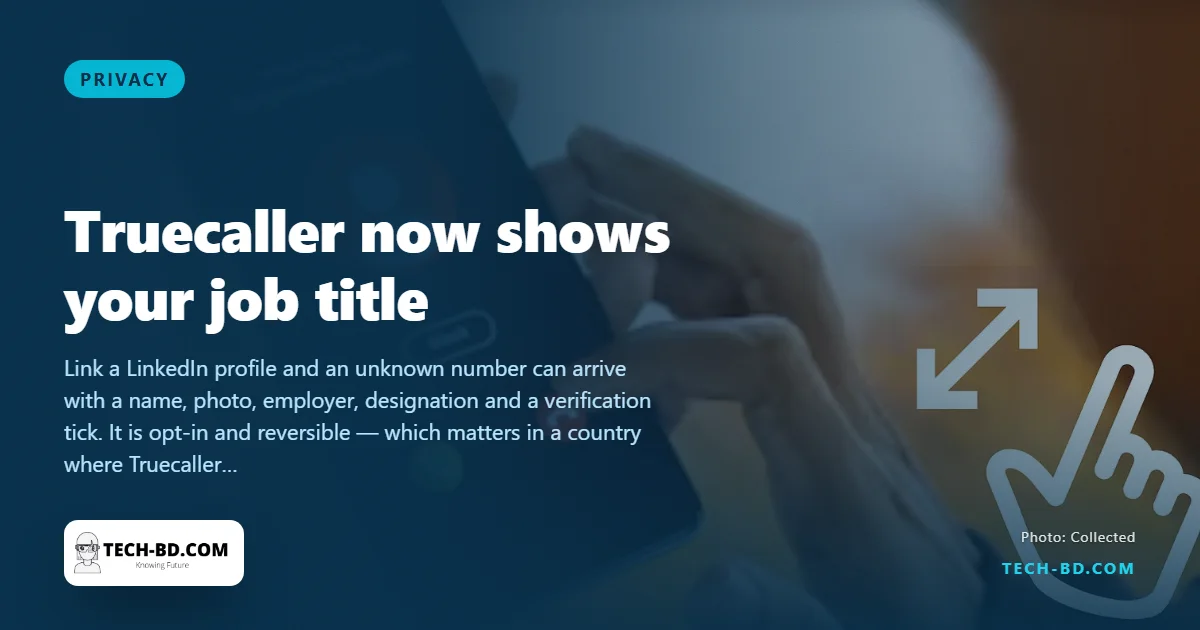
When an unknown number calls, Truecaller has long shown you a name. Now it can also show where that person works and what they do, through a new partnership with LinkedIn.
How it works
If someone links their LinkedIn profile to Truecaller, their professional details can appear on the caller ID: name and profile photo, current employer, designation, LinkedIn's verified-identity indicator, and a link to the profile itself. Linking the profile does not dump everything automatically — the user chooses what is shown.
New users can connect at sign-up through "Login with LinkedIn". Existing users can attach a profile through the "Verified on LinkedIn" programme. If someone's workplace is verified on LinkedIn, a verification mark can appear next to the company name in Truecaller.
LinkedIn said on 23 September that it has verified the identity of more than 11.5 crore members, and is extending that verification into partner services — Truecaller now joins Adobe, TrustRadius, UserTesting and PeerSpot.
The feature is live for Android users worldwide, with iPhone to follow. Users can stop showing employer and designation at any time, and can disconnect the LinkedIn profile entirely. It does not replace Truecaller's existing verification systems.
What it means in Bangladesh
Truecaller matters more here than almost anywhere. It is, in practice, the national phonebook — the reflex before answering an unknown number, and the reason a lot of people answer at all. So a change to what it displays is a change to how millions of Bangladeshis are introduced to strangers.
The upside is real. A very large share of fraud calls here work by claiming an institution: a bank's card division, a mobile financial service, a courier, someone from "the office". A verified employer beside a name raises the cost of that lie considerably. For anyone job-hunting, or freelancing, or running a small business off a personal number, an incoming call that already carries a designation is a genuine advantage.
The cost is worth stating plainly, because it is easy to enable and forget. Your employer and job title become visible to anyone you phone — including a shop, a landlord, a rickshaw booking, someone on a marketplace. Most of the time that is harmless. It is not harmless for a journalist calling a source, a woman using her own number to arrange anything at all, a health worker calling patients, or anyone whose safety depends on not announcing where they can be found during office hours.
So treat it as a per-person decision rather than a default: turn it on if your number is already a professional one, leave it off if your number is your private one, and check the setting rather than assume — it is under the Truecaller profile, alongside the LinkedIn connection, and can be switched off without unlinking. The wider principle is the one behind this week's NHS story: access that was granted for one purpose rarely stays limited to it.