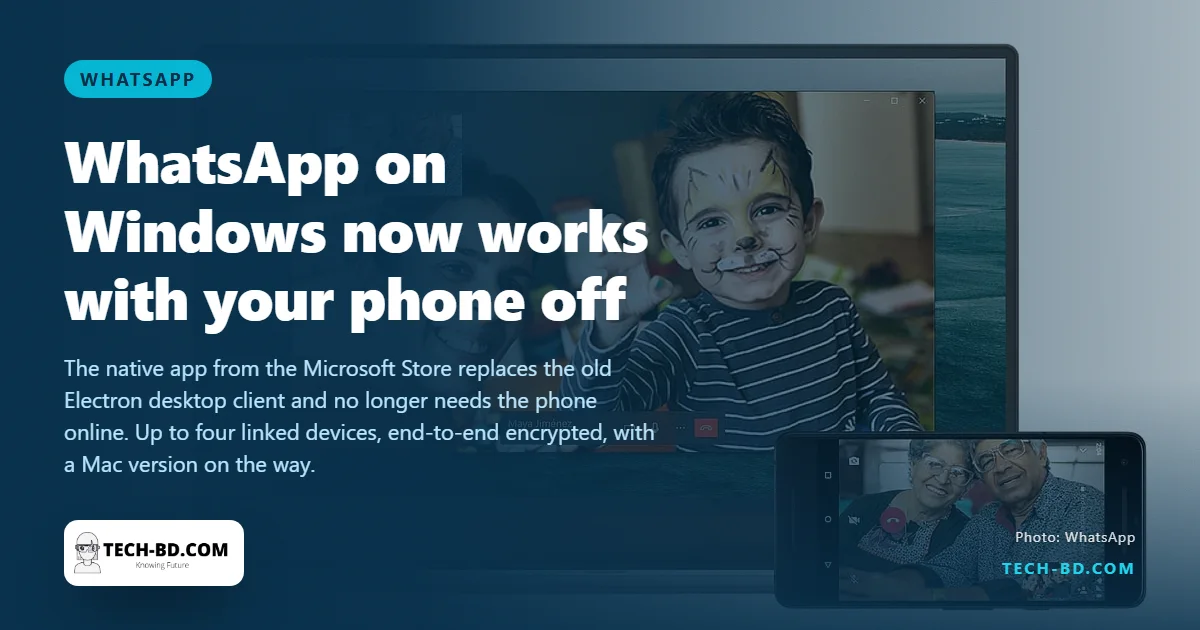
For years WhatsApp on a computer was a mirror: if the phone lost its connection or its battery, the desktop went blank. On 16 August 2022 WhatsApp released a new native app for Windows, downloadable from the Microsoft Store, that keeps working whether or not the phone is online. It is built on the multi-device system WhatsApp introduced in 2021, which lets up to four companion devices hold their own encrypted copy of your chats.
What changed
The old "WhatsApp Desktop" was a wrapped web page, slow to load and dependent on the phone. The new app is written for Windows: it starts faster, uses less memory, sends notifications through the Windows system, and supports the features of the phone app, including voice and video calls, disappearing messages and file transfers up to 2 GB. Messages remain end-to-end encrypted between all your devices. A native macOS app is in beta, WhatsApp said; Mac users can keep using the web version at web.whatsapp.com until then.
How to set it up
- On the computer, open the Microsoft Store, search for WhatsApp and install the app from WhatsApp LLC.
- Open it; a QR code appears.
- On your phone, open WhatsApp, tap the three-dot menu (Android) or Settings (iPhone), then Linked devices, then Link a device, and scan the code.
- Chats load onto the computer over the next minute. The phone can now be switched off; the computer stays linked for 14 days without the phone before it needs to reconnect.
To remove a computer, go to Linked devices on the phone and log it out; do this on any shared or office PC when you leave.
What is still missing
Linked devices cannot yet see live location, manage broadcast lists, or view older chat history that was on the phone before linking; the app syncs recent messages, not the archive. Communities and some business features are phone-only for now.
Why it matters here
In Bangladeshi offices WhatsApp is the workflow: garment factories exchange purchase orders on it, e-commerce sellers run customer service on it, and a phone-dependent desktop meant a dead battery stopped work. The independence also matters for the Business app users who share one number across a small team, though WhatsApp still limits a single number to four devices.
How it stays encrypted without the phone
The obvious worry about a desktop app that works while the phone is off is whether the messages are still end-to-end encrypted. They are, and the mechanism is worth understanding because it changes what you are responsible for.
Under multi-device, each linked computer gets its own identity key rather than borrowing the phone’s. Your contacts’ devices encrypt a copy of each message separately for every one of your devices. WhatsApp’s servers route those copies without being able to read any of them, which is why the phone no longer needs to be awake to relay anything.
The consequence is that a linked device is a full participant, not a window. If someone links their own machine to your account, they receive messages directly from then on, and unlinking later does not retrieve what already arrived. Check Linked Devices periodically, and note that an unused device logs itself out after fourteen days — which is a safety net, not a substitute for logging out yourself.