Reading a phone in a moving car, bus or CNG makes a lot of people queasy. Google's answer is a feature called Motion Assist, and after a month limited to its own Pixel phones it is now available on other phones running Android 17, starting with Samsung's Galaxy Z Fold 8 series.
What it does
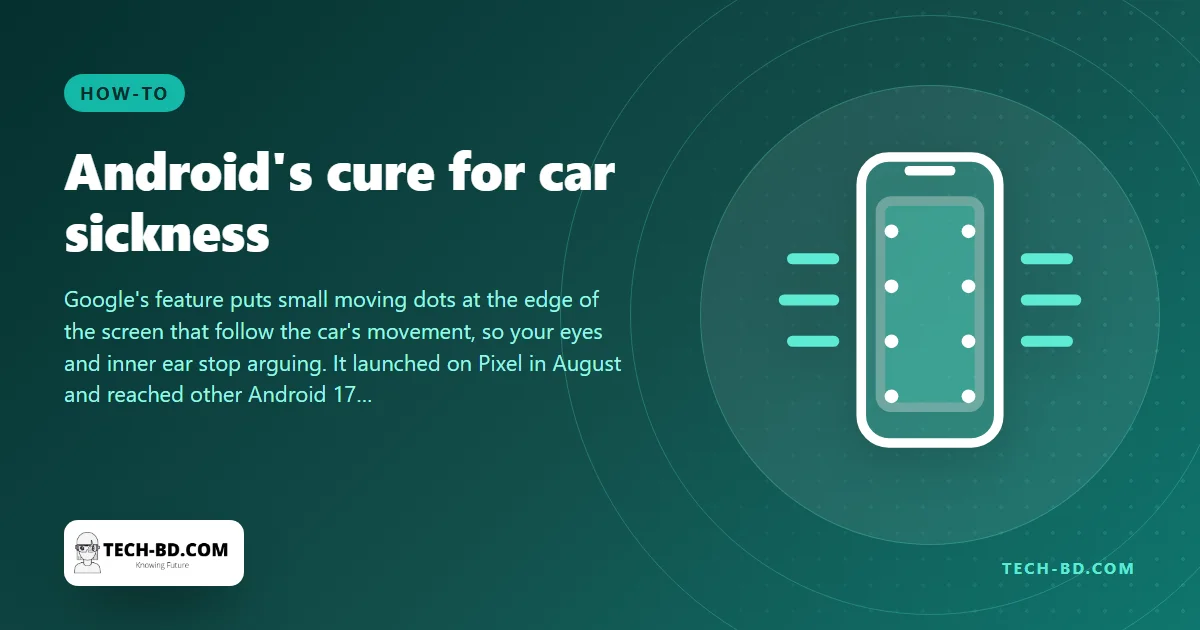
Motion sickness happens when the eyes and the inner ear disagree: your balance organs feel the car turning, braking and bumping, while your eyes, fixed on a still screen, report that nothing is moving. Motion Assist gives the eyes something to agree with. When it is on, small bubble-like dots appear along the edges of the screen. The phone's motion sensors detect how the vehicle is moving, and the dots drift in step with it: when the car turns, they slide; when it brakes, they shift. Your eyes see motion that matches what your body feels, and for many people the nausea fades or never starts.
Google switched the feature on for Pixel phones in late August, then announced it for other Android phones as part of September's Android feature drop. According to the Android analyst Mishaal Rahman, it now works generally on Android 17, though a few extras remain Pixel-only for now.
How to turn it on
- Open Settings on the phone.
- Tap Google (your Google profile), then All services.
- Choose Personal & device safety.
- Switch on Motion Assist.
You can also let it start by itself: there is an option to enable Motion Assist automatically whenever the phone detects that it is in a moving vehicle, and to switch it off again when the ride ends. Pixel owners can add a Motion Assist tile to the Quick Settings panel, so it is one swipe away instead of four taps.
Why it took so long
The idea is not new. An early version, called "Motion Cues", was spotted in Android's code in December 2024, and then spent months in internal testing. Part of the delay was technical: to draw the dots over the lock screen or the Quick Settings panel, the feature needed system-level permissions that the first version could not get. Google has since removed that limit, so the dots now follow you across the whole interface, whatever app is open.
If you have an iPhone, or an older Android
Apple shipped the same idea two years ago as Vehicle Motion Cues in iOS 18: go to Settings → Accessibility → Motion → Show Vehicle Motion Cues, and choose Automatic. On Android phones that have not received Android 17, which in Bangladesh is still most of them, the feature is not available; the low-tech alternatives are to sit facing forward, look up from the screen at the horizon every minute or so, and, on the Dhaka–Chattogram highway, to give up and listen to a podcast instead.