
A serious security flaw has been found in the Chrome browser, and attackers are already using it.
By exploiting it, criminals can pull important information off a user's device and plant malware on it. Attacks have already been carried out against a number of machines, which means other users are exposed until they update.
What the flaw is
According to Google, the flaw sits in the part of Chrome that processes XML data. Its identifier is CVE-2026-125350.
XML is a format for structuring data that a browser handles constantly without the user ever seeing it. That is what makes this category of flaw serious: there is nothing for you to avoid clicking. The browser does the work on its own.
Google has already shipped a security update that fixes it.
How to update, step by step
The whole thing takes about a minute, and the last step is the one people skip.
1. Open Chrome and click the three dots at the top right.
2. Go to Settings.
3. Choose About Google Chrome. The browser will automatically look for an update and install the new version.
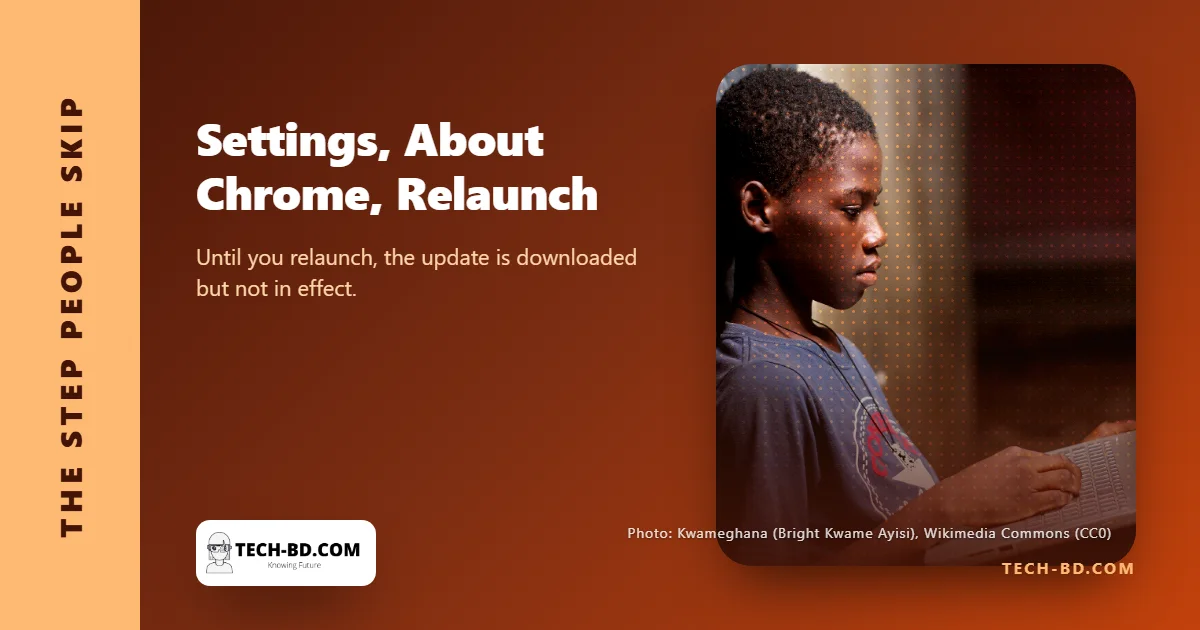
4. When the installation finishes, click Relaunch.
That fourth step matters more than it looks. Until you relaunch, the update is not in effect. The new version is downloaded and sitting there, and the browser you are still using is the vulnerable one. A lot of people stop at step three and assume they are protected.
Why "already exploited" changes the timeline
Most security advisories describe a theoretical risk: a flaw exists, someone might use it, patch when convenient.
This one is different, and the distinction is worth understanding. When a flaw is known to be actively exploited, the attack code already exists and is in circulation. The window between disclosure and mass exploitation closes quickly, because the hard part — working out how to use it — is done, and it spreads.
So the useful rule is not "patch soon". It is: do it before you close the browser today.
If you use Edge, Brave or Opera
This is the part most coverage leaves out, and it affects a lot of people here.
Edge, Brave, Opera and Vivaldi are all built on the same Chromium engine that Chrome uses. When a flaw sits in that shared engine, those browsers are generally affected too, and Google's fix does not reach them. Each one ships its own patched build, usually within days.
So if Chrome is not your main browser, the useful step is the same menu in whichever one you actually use: look for its own About screen and let it update and restart. Firefox and Safari use different engines and are not affected by the same flaw, but both have their own advisories worth keeping current.
On a phone, the browser does not update itself from inside the app. Chrome for Android and iOS updates through the Play Store or App Store, so if you have automatic updates switched off, nothing you do inside the browser will fix it.
While you are there
Chrome updates itself in the background, but only applies the update on a restart. If you are the kind of person who keeps a browser open for weeks with forty tabs, you may be several versions behind without any warning on screen.
Checking About Google Chrome once a week costs nothing and tells you the truth about which version you are actually running — as opposed to which version has quietly downloaded itself and is waiting.