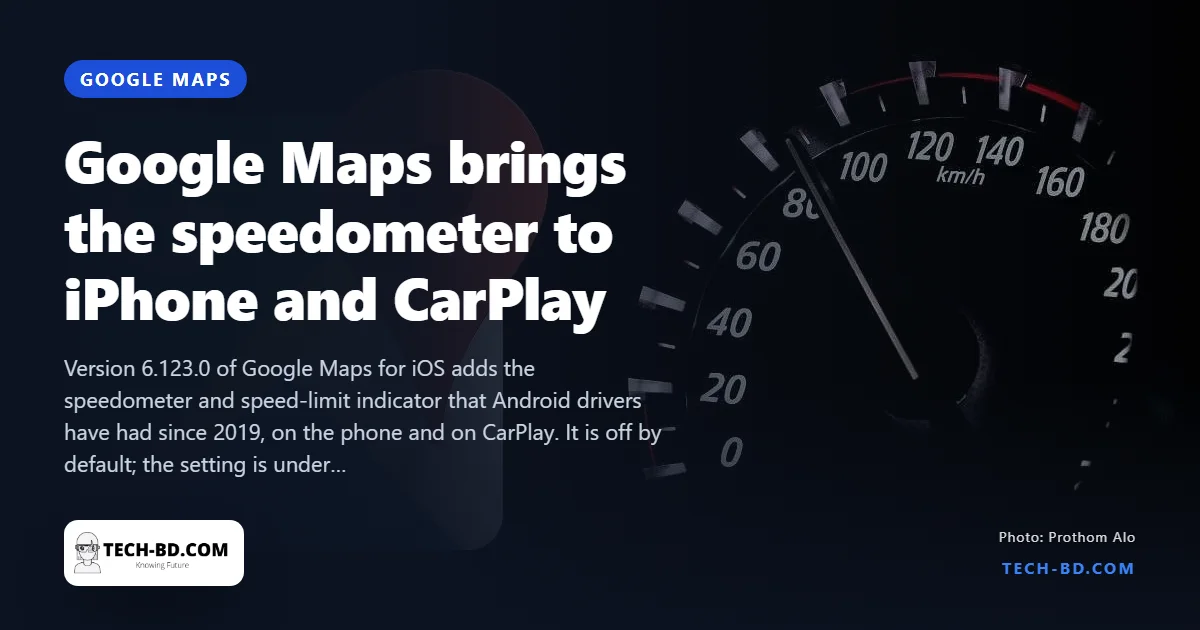
Google Maps on Android has shown drivers their current speed, and the road’s limit, since 2019. iPhone users have asked for the same for five years; this week they got it. Version 6.123.0 of Google Maps for iOS adds a speedometer and a speed-limit indicator to navigation, on the phone’s screen and on CarPlay. The rollout is to all iOS users, not a test group.
How to turn it on
It is off by default. Open Google Maps, tap your profile photo at the top right, then Settings → Navigation & driving. On that page are two switches, Speedometer and Speed limit; turn on both. The next time you start a route, a small dial appears at the bottom-left of the navigation screen with your speed and, where Google has the data, the limit for the road you are on. Units follow the region — km/h here, mph in the US and UK — and the indicator changes colour when you exceed the limit.
How accurate it is
The speed comes from the phone’s GPS, not the car, so it lags the dashboard by a second or two and can jump in tunnels or between tall buildings. Google itself says it is for information and the car’s speedometer remains the reference. The speed limit is drawn from map data, which in Bangladesh is thin: on the Dhaka–Mawa expressway and the main highways it is usually right, on city streets it is often missing, and the app simply shows no limit rather than a wrong one.
Why it took five years
Apple is the reason. Its own Maps app has shown speed limits since iOS 11, and CarPlay’s rules on what third-party navigation apps may draw were strict until iOS 16. Google could have shipped the speedometer on the phone earlier, but chose to wait until it could do both at once. The result is that iPhone users get the mature version: the same design as Android, with the colour warning included.
The Bangladesh note
Bangladesh set formal speed limits for the first time in May this year — 80 km/h on expressways, 40 km/h for cars in cities, 30 km/h for motorcycles in cities — and the police have started using cameras on the expressways. A phone that shows your speed against the limit is, for the first time, a useful thing to have on the dashboard here rather than a novelty. Just mount it; the app does not stop you touching it while driving.
Why it will not match your car’s speedometer
Expect the app to read a few kilometres per hour lower than the dial on the dashboard, and expect the app to be the accurate one.
A car’s speedometer is required by regulation never to understate speed, so manufacturers deliberately calibrate it to read high — typically by two to five per cent plus a small offset. It also derives speed from wheel rotation, which changes with tyre wear, tyre size and pressure: a worn tyre has a smaller rolling circumference and makes the car think it is going faster than it is.
GPS measures ground speed directly and is generally accurate to within one or two km/h on an open road. It degrades where the signal does — under flyovers, between tall buildings, in a tunnel — and it lags for a second or two during hard acceleration, because it infers speed from successive positions.
What that means legally
The dial is the number you are expected to drive by, and a court is unlikely to accept a phone app as a defence. Use the app for the limit, which is the half of the display that genuinely tells you something the car cannot — and treat its speed reading as a sanity check rather than an authority.
Source: News18, via Prothom Alo.