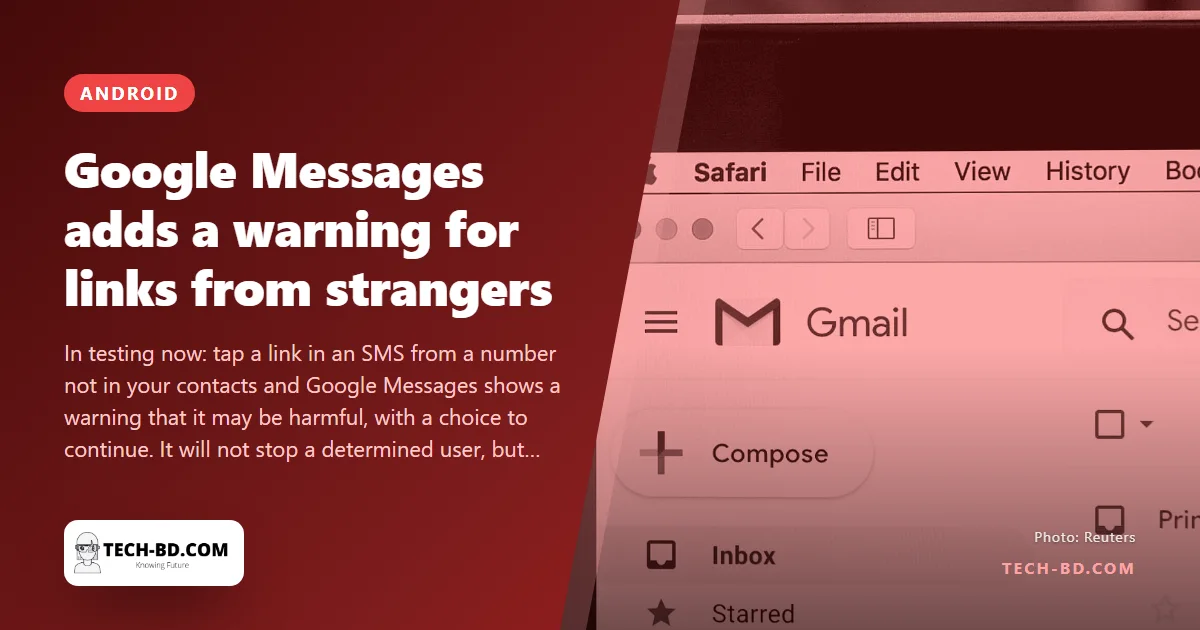
The text arrives from an unfamiliar number: a parcel could not be delivered, a bKash account needs verifying, a prize is waiting, a “photo of you” has been posted — and there is a link. Tapping it is the whole crime. Google’s answer, now in testing in its Messages app for Android, is to put one more step between the thumb and the link.
What the feature does
When you tap a link inside a message from a number not saved in your contacts, Messages shows a pop-up warning that links from unknown senders may be harmful. You can back out, or tap Continue to open the site anyway. Links from saved contacts are untouched. The feature is live for a limited group of beta testers; Google has not said when it reaches everyone, but Messages features usually roll out within weeks of a beta appearing.
What it will and will not stop
It will not block anything — the link still opens if you insist — and it will not know whether a specific site is dangerous; the warning is triggered by the sender being unknown, not by the link being bad. What it does is break the reflex. Smishing works because the message creates urgency and the link is one tap away; a pause with the words “may be harmful” on it is enough to make a proportion of people read the message again and notice that the courier does not usually text from a personal number. It is a speed bump, and speed bumps work.
Why it matters here
Bangladesh runs on SMS. Banks, mobile-money services, courier companies and government offices all send legitimate texts with links, which is exactly why fake ones are believed. The bKash and Nagad “verify your account” scam, the fake parcel notice, the lottery win — all arrive by SMS from numbers nobody has saved, and all depend on a link. Google Messages is the default SMS app on most Android phones sold here, so the warning will reach a large share of the population without anyone installing anything.
Three habits that finish the job
- Never open a bank, bKash or Nagad link from a text. Open the app instead; if something needs doing, it will be there.
- Treat a link from a personal mobile number claiming to be a company as fake by default. Real companies send from short codes or named senders.
- In Messages, turn on Spam protection (Settings → Spam protection) so known scam numbers are filtered before you see them.
How to check a link without tapping it
The warning only appears after the tap, and a habit that works before it is more useful — especially since the most convincing scam texts come from numbers your phone has no reason to distrust.
Long-press the link instead of tapping. Android offers “Copy link address”, and you can then read the whole URL rather than the shortened text displayed.
Read it backwards from the first single slash. The real destination is the last two words before that slash. In bkash.verify-account.xyz/login the site is verify-account.xyz, and bkash is just a word somebody typed. In bkash.com/login the site is bkash.com. Everything to the left of the real domain is decoration the sender chose.
Never resolve a shortener you did not expect. A bit.ly from a stranger is a link that refuses to tell you where it goes, which is reason enough.
And the most reliable rule needs no technical skill at all: if a message about your money contains a link, do not use the link. Open the app you already have, or dial the number on the back of the card.
Source: Indian Express, via Prothom Alo.