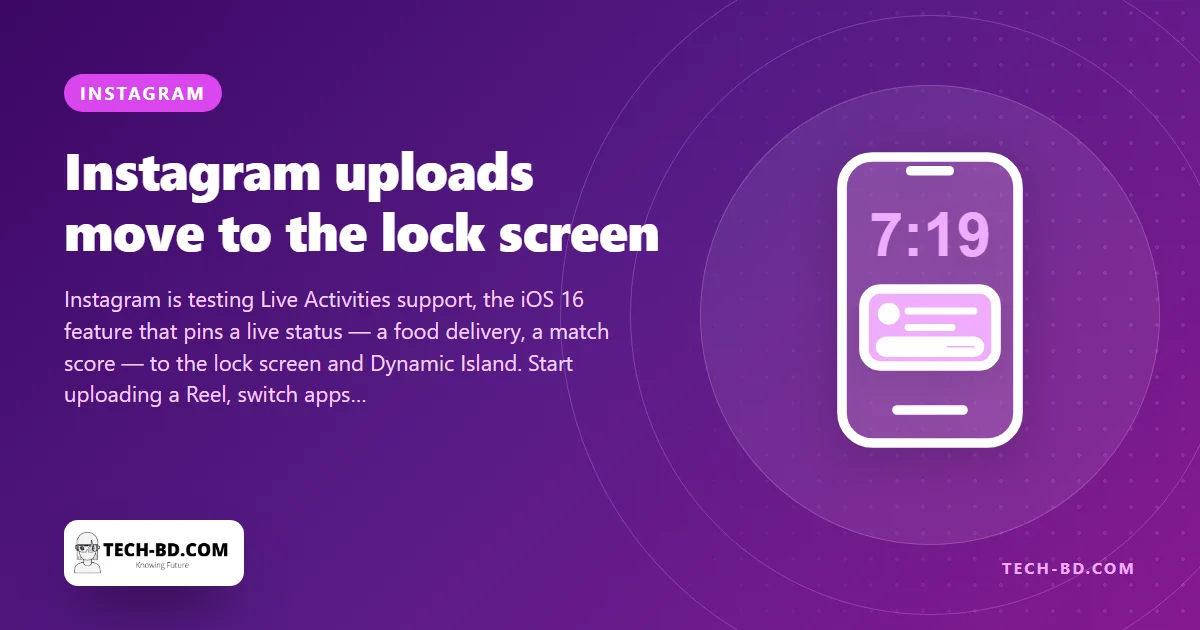
Anyone who posts video from a Bangladeshi mobile connection knows the ritual: tap Share, and then hold the phone still with Instagram open for a minute or two, because switching to WhatsApp will, as often as not, stall the upload. Instagram is now testing a fix that borrows a feature from the iPhone itself. With Live Activities, the upload’s progress bar moves to the lock screen and the Dynamic Island, where it keeps updating while you do something else or put the phone in your pocket.
What Live Activities are
Apple introduced them in iOS 16 last September: a way for an app to show one live, changing piece of information outside the app — the taxi’s arrival time, the cricket score, the timer — on the lock screen and, on the iPhone 14 Pro, in the pill at the top of the screen. The app keeps running its task in the background and the system draws the status. Uber, Foodpanda and the sports apps adopted it early. Instagram is, as far as anyone can find, the first major social app to use it for uploads.
How it will work
Start a post or a Reel, tap Share, and instead of the in-app bar you will see a card on the lock screen: the thumbnail, a progress bar, and “Uploading…”, then “Posted” when it is done. The upload continues whether Instagram is in front or not. The feature is in testing with a limited number of users on iOS 16; Android has no exact equivalent, though Android 14’s ongoing-notification changes will allow something similar later.
Why it matters more here
In San Francisco an Instagram upload takes four seconds and nobody has ever watched a progress bar. In Dhaka, on a 4G connection that delivers 5 Mbps on a good afternoon and less in a crowd, a one-minute Reel is a 60–120 second wait, and the shop owner posting it — the vast majority of Bangladesh’s commercial Instagram use is small businesses — cannot answer a customer on WhatsApp while it runs. Letting the upload finish in the background is, for that user, the difference between posting three products an hour and posting one. It is a small feature designed for a fast network that turns out to be a large one for a slow network.
Meanwhile
Until it arrives: uploads survive app-switching better on Wi-Fi than on mobile data, and on Android, Instagram’s “Upload at higher quality” setting (Settings → Data usage) is the one to turn off on a bad connection — it doubles the file size for a difference nobody sees on a phone.
Why a progress bar is worth a feature
It sounds trivial and is not, because the alternative to a progress bar is guessing. On a slow or unstable connection, an upload that has stalled and an upload that is simply slow look identical from outside the app — so people close Instagram, reopen it, start again, and send the same video three times.
That costs real money on a metered connection and real time on a congested one. A visible, accurate progress indicator turns an anxious guess into a decision, which is why the feature matters more on the networks most of this country uses than on the ones it was designed against. Android has had equivalent persistent notifications for years; this was iOS catching up.
Source: Times of India, via Prothom Alo.