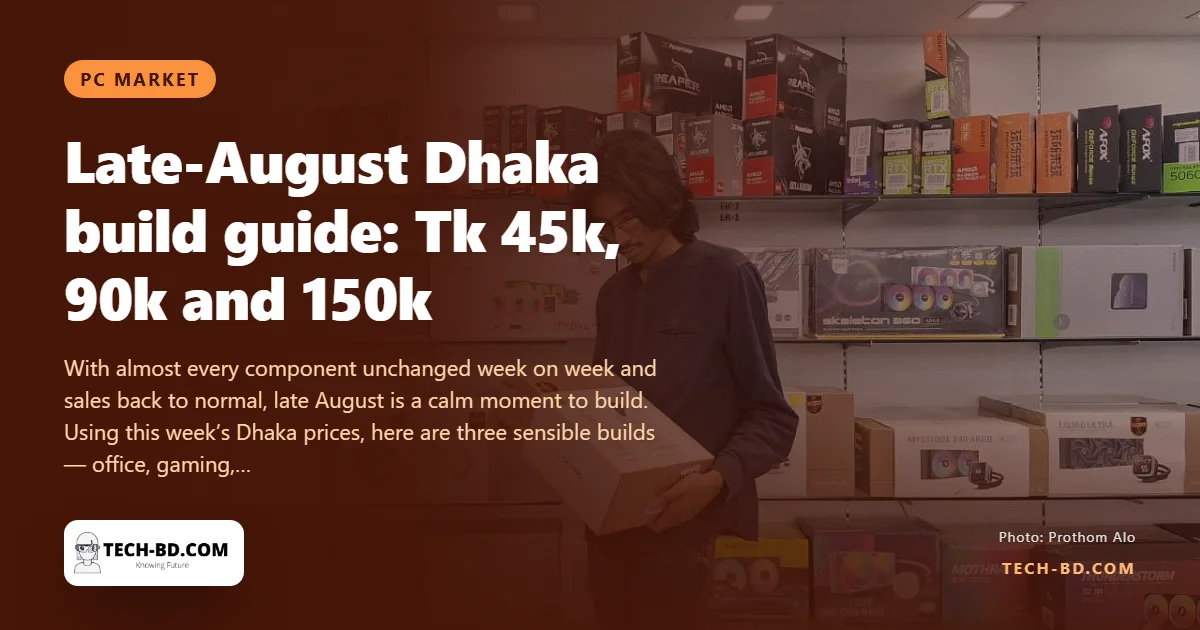
For once the market report has no news: nearly every component in Dhaka is selling at last week's price and sellers describe demand as normal. That makes it a good week to build rather than wait. The builds below use this week's quotes, with graphics cards and cases excluded from the totals because choices there vary too widely.
The idea that sorts every build
Before the parts lists, the principle that makes them make sense, because it is the thing a first-time builder is never told.
A computer runs at the speed of whatever is holding it back. At any moment one component is the constraint and the rest are waiting on it — and money spent on anything other than the constraint buys nothing you can feel. A faster processor in a machine limited by its graphics card produces no more frames. More cores in a machine that opens spreadsheets changes nothing. A better graphics card in a machine with 8 GB of RAM mostly watches the system swap to disk.
So the useful question is never "what is the best part I can afford". It is "what will be stopping this machine, given what I actually do on it" — and the answer differs completely by use, which is why the three builds below are not the same build at three prices.
The one decision first: DDR4 or DDR5
The summer's interesting movement has not been prices but boards. DDR5 motherboards that cost Tk 25,000 and up in January now start at Tk 16,700 (MSI H810M-B) and Tk 17,200 (Gigabyte B760M DDR5), with the MSI B650M Gaming Wi-Fi for AMD at Tk 19,000. DDR5 memory is still dearer — a 16 GB kit around Tk 27,000 against Tk 13,000–13,500 for DDR4 — but the board gap has nearly closed.
The rule of thumb now: build on DDR4 only if you are reusing memory you already own. A new build should be DDR5 unless the budget is genuinely tight.
Office and student — about Tk 45,000
- AMD Ryzen 5 5600G — Tk 19,000
- MSI A520M-A Pro (DDR4) — Tk 7,200
- Corsair Vengeance LPX 16 GB DDR4-3200 — Tk 13,500
- 512 GB NVMe SSD — Tk 6,000–7,000
Around Tk 46,000 before case and power supply. This is the one place DDR4 still wins, because the 5600G is a DDR4 chip and remains the cheapest complete PC that feels fast.
The detail worth explaining: the G in 5600G means integrated graphics — a graphics processor built into the chip itself. That is why this build needs no card, and it is the single biggest saving available to anyone who is not gaming. A non-G processor at a similar price will not produce a picture at all without a card costing more than the processor.
For this machine the constraint is almost never the processor. It is RAM and the SSD, which is why both are specified generously here and why upgrading a 5600G build means adding memory rather than changing the chip.
Gaming — about Tk 90,000 before the GPU
- Intel Core i5-14600KF — Tk 38,000
- MSI B760 Gaming Plus (DDR5) — Tk 22,500
- Corsair Vengeance RGB 16 GB DDR5-5200 — Tk 27,000
- 1 TB NVMe SSD — from Tk 19,000 for a Samsung 990 Pro
Roughly Tk 106,000 with the premium SSD, under Tk 90,000 with a budget 1 TB drive.
Apply the principle here and the conclusion is uncomfortable: in a gaming machine the graphics card is almost always the constraint, so the card deserves more of the budget than the processor does. A build that spends Tk 38,000 on a CPU and then whatever is left on a card has the proportions backwards for gaming, even though it will benchmark well. The processor's job is to not be the bottleneck; past that point, extra processor money is money not spent on frames.
The KF suffix is worth knowing too: it means no integrated graphics. Correct for a gaming build, and a problem if your card ever fails, because the machine will not display anything while you wait for a replacement.
Creator — about Tk 150,000 before the GPU
- AMD Ryzen 9 7950X — Tk 47,500 (16 cores)
- MSI B650M Gaming Wi-Fi (DDR5) — Tk 19,000
- G.Skill Trident Z5 Neo RGB 32 GB DDR5-6000 — Tk 64,000
- 1 TB Samsung 990 Pro — Tk 19,000
About Tk 150,000. The Intel alternative — a Core i7 14th gen at Tk 50,000 or Core Ultra 7 265K at Tk 36,000 — is competitive for editing; the 7950X wins on rendering and compiling.
This is the one build where paying for cores is right, because rendering, compiling and encoding genuinely use all of them. It is also where the memory spend is justified: 32 GB is the floor for video work, and running out of RAM does not slow a timeline down, it stops it.
Two things these totals hide
The power supply, which is where nobody should save. It is excluded from the totals above along with the case, and it is the one component whose failure can damage others. A cheap unit that cannot hold a stable voltage under load causes crashes that look like faulty memory or a failing drive, and people spend weeks replacing the wrong parts. Budget Tk 6,000–9,000 for a known brand with the wattage your card wants plus headroom — a supply running at 60 per cent of its rating lasts longer and runs quieter than one at 95 per cent.
The upgrade path, which is what a cheap board actually costs. A processor fits a particular socket, and each socket has a limited life before manufacturers move on. Saving Tk 3,000 on a board for a socket near the end of its run means the next processor upgrade is not a processor — it is a processor, a board and possibly new memory, because a new platform needs them together. Ask which socket a board uses and whether anything newer is still being released for it. It is the cheapest question in the shop and the most expensive one to skip.
Also add the case and supply to every total above: a real machine is Tk 10,000–15,000 more than the figures quoted, and a guide that does not say so is quoting a part list rather than a computer.
Where to spend and where to save
Spend on the SSD and on enough RAM; both are what you feel every day and both have been the volatile parts this year. Spend on the power supply once. Save on the case — within reason, since airflow is the one thing a case does that matters — and save on the RGB entirely.
And buy this week if you can. The market is calm, and the storage pattern of 2026 suggests calm does not last.