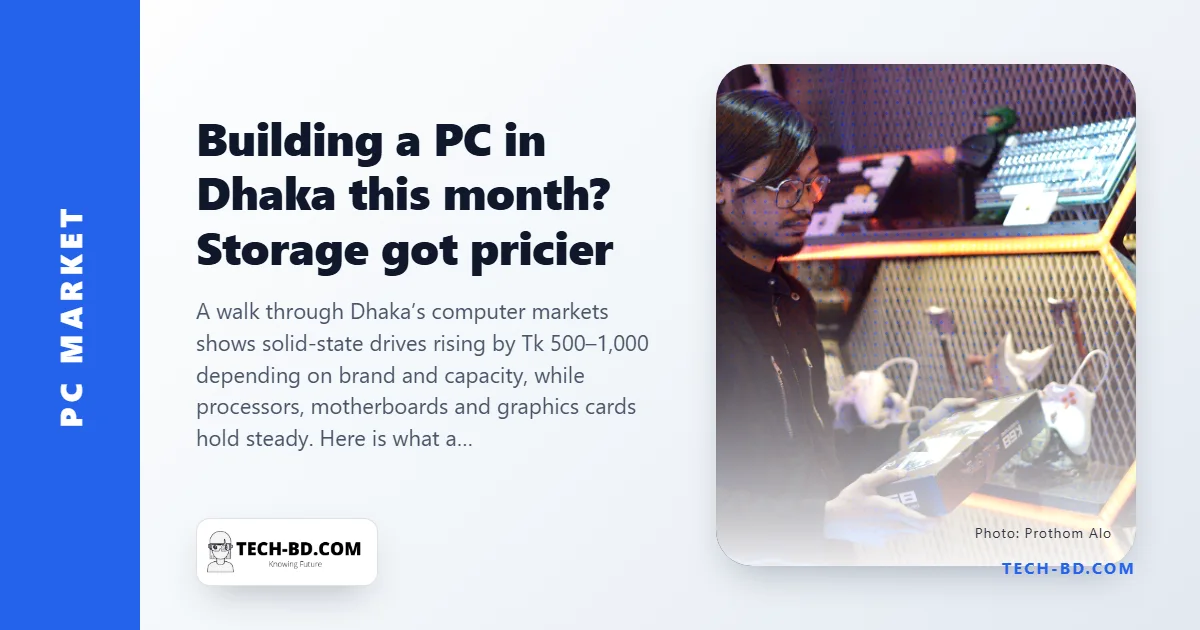
If you have been putting off a desktop build, the good news from Dhaka's computer markets this week is that most of the bill has not moved. The less good news is that storage has: solid-state drives are Tk 500 to Tk 1,000 dearer than a few weeks ago, depending on brand and capacity. Sellers give the same two reasons — demand for storage is up, and the newest import batches landed at higher prices.
What moved and what did not
Processors, motherboards, RAM and graphics cards are essentially where they were. A 1 TB Samsung 990 Pro NVMe now sells around Tk 19,000, the budget Team MP33 256 GB for Tk 6,800, a Samsung PM991a 256 GB for Tk 4,800. Spinning disks are unaffected: a 2 TB Seagate Barracuda or Toshiba P300 is Tk 10,000 either way.
| Part | Model | Price (Tk) |
|---|---|---|
| CPU | Intel Core Ultra 9 285K | 72,000 |
| CPU | Intel Core i7, 14th gen | 45,500 |
| CPU | Intel Core i5-14600KF | 32,000 |
| CPU | Intel Core i3, 13th gen | 16,500 |
| CPU | AMD Ryzen 9 7900X | 42,000 |
| CPU | AMD Ryzen 7 7700X | 30,000 |
| CPU | AMD Ryzen 5 5600G | 16,000 |
| Board | Asus Prime H610M (DDR4) | 10,600 |
| Board | Gigabyte B760M Gaming X (DDR4) | 20,000 |
| RAM | Kingston Fury 16 GB DDR4-3200 | 9,600 |
| RAM | Kingston Fury RGB 16 GB DDR5-6000 | 27,000 |
| SSD | Samsung 990 Pro 1 TB NVMe | 19,000 |
| SSD | Team MP33 256 GB | 6,800 |
| HDD | Seagate Barracuda 2 TB | 10,000 |
Why two 1 TB drives can differ by four times in price
With storage the component in motion, this is the week to understand what you are paying for. Capacity and the headline speed on the box are the two things everyone compares and neither explains the price gap. Four specifications do, and all of them are findable on a manufacturer's page in about two minutes.
1. How many bits are stored per cell. Flash memory stores data by holding a charge level in a cell. A TLC drive stores three bits per cell by distinguishing eight charge levels; a QLC drive stores four bits by distinguishing sixteen. QLC is cheaper per gigabyte for the obvious reason and worse for a less obvious one: packing more levels into the same voltage range leaves less margin between them, so the drive must work harder to read correctly, writes are slower, and the cell wears out in fewer cycles. For a boot drive or anything you write to daily, TLC is the one to want. QLC is reasonable for bulk storage you mostly read.
2. Whether it has a DRAM cache. An SSD keeps a map of where every piece of data physically sits, and it needs fast access to that map. A drive with its own small DRAM chip holds the map there. A DRAM-less drive borrows a slice of your system memory instead, which works and is slower, particularly when the drive is full or handling many small operations at once. Budget drives are usually DRAM-less. That is an acceptable trade for a boot drive and a poor one for a working drive holding a video project.
3. How the drive behaves once the fast cache runs out. This is the specification nobody advertises and the one that produces the biggest surprise. Most consumer drives reserve part of the flash and run it in a fast single-bit mode as a write buffer. Copy a few gigabytes and everything is as quick as the box promised. Keep copying — a large video file, a game install, a backup — and the buffer fills, after which the drive writes at its true native speed. On a good TLC drive that fall is noticeable. On a cheap QLC drive it can collapse to slower than a spinning hard disk, which is why a drive that benchmarks beautifully can feel terrible during the one task you bought it for.
4. Endurance, written as TBW. Terabytes Written is how much data the manufacturer guarantees the drive can absorb within warranty. A 1 TB drive might be rated anywhere from about 200 TBW to 600 TBW or more, and the figure also tells you what the manufacturer privately thinks of its own flash. Most ordinary users will never approach even the low number, so this matters mainly if you edit video, run virtual machines, or back up a whole disk nightly. It is also the honest answer to "is the cheap one fine" — usually yes, for the use most people have.
Three ways to read the list
Student or office box (~Tk 45,000): Ryzen 5 5600G, a B450 board (Tk 8,500–8,900), 16 GB DDR4 and a 256 GB SSD. The 5600G's built-in graphics mean no card at all.
Mid-range gaming (~Tk 90,000 before the GPU): Core i5-14600KF on a B760M board with 16 GB DDR4 and the 1 TB 990 Pro. This is the tier where the storage rise is most visible — budget for it rather than hoping it drops.
Content creation: the Ryzen 7 7700X or Core Ultra 7 265K (Tk 35,500) with DDR5 is the sweet spot; the Ultra 9 at Tk 72,000 only makes sense for people who bill by the render.
The practical position this week
Over the years a machine is used, a thousand taka on the drive is the least consequential line in the bill — so if the rest of your parts are in stock at a good price, buy the build now and add a second drive later.
And when you do add it, the combination that has been right for years remains right: a TLC NVMe drive large enough for the operating system and the things you actually open, with a cheap spinning disk underneath for the films, the backups and the archive. A hard disk is poor at the thing an SSD is good at and perfectly adequate at bulk storage, and at Tk 10,000 for 2 TB it is the cheapest capacity in the shop.