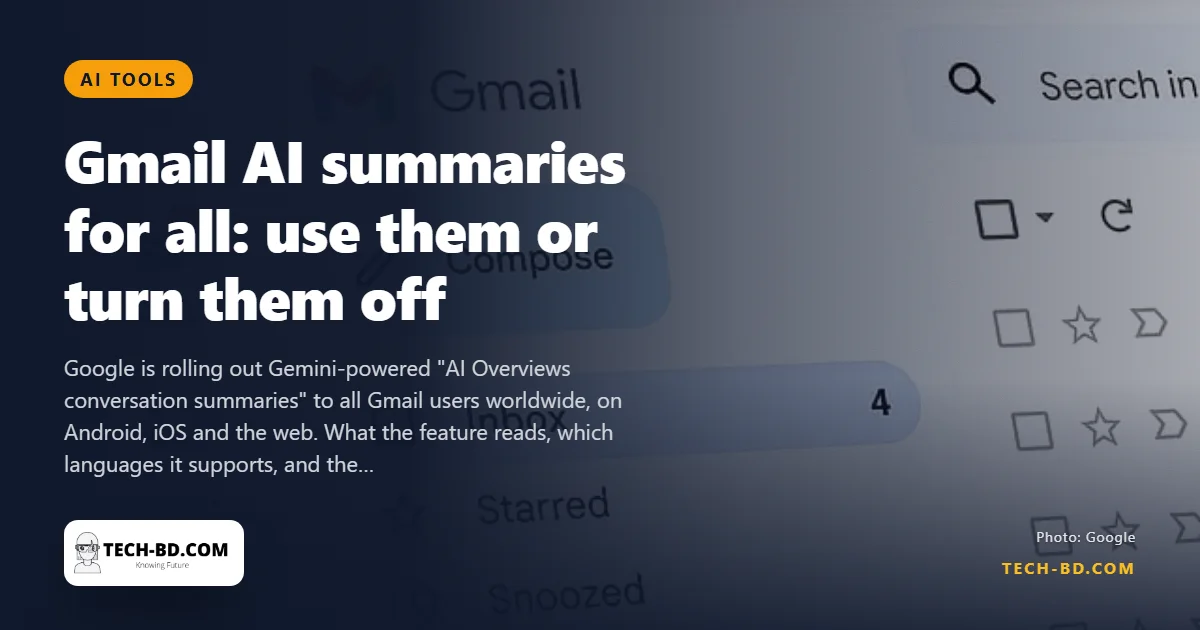
Long email threads are where information goes to hide. Google's answer — a Gemini-generated summary at the top of a conversation — has been limited to paying subscribers and to US users. That is ending: AI Overviews conversation summaries are rolling out to all Gmail users in every country, on Android, iOS and the web, in stages.
What the feature does
Open a thread with several replies and a short summary appears above it, drawn from the messages in that conversation: what was decided, what is still open, who owes whom a reply. It is aimed at the twenty-message chain about an invoice or a school event, where the useful content is scattered across replies you would otherwise scroll one by one.
Google's support pages list the initial languages as English, French, German, Italian, Japanese, Korean, Portuguese and Spanish — not Bangla, although English-language threads in any inbox will be summarised.
Who gets it
Everyone: paying Google One AI subscribers, Workspace business accounts and free personal Gmail alike. That is the change. Until now the feature was a reason to pay; from this rollout it is part of Gmail.
How to turn it off
- Open Gmail Settings.
- Under the General tab, find Google Workspace smart features.
- Choose Manage Workspace smart features and disable the option.
There is a catch, and it repays more than a passing note. The switch is not specific to summaries: turning it off also disables Smart Compose, Smart Reply, automatic categorisation into Primary and Promotions, and the rest.
The reason is that these are not separate features with separate permissions. They are one permission — your consent for Google to process the content of your messages rather than only deliver them — with several products built on top. Summaries are simply the newest thing standing on a consent that was granted years ago for autocomplete and tab sorting. That is why there is no summaries-only toggle, and why there is unlikely ever to be one.
Worth knowing: there is usually a second, separate control covering smart features in other Google products, which most people never find because it sits next to the first and is easy to read as a duplicate. If you are turning this off on principle rather than on preference, check both.
Is your email training Google's AI?
Google's stated policy is that Gmail and Workspace content is not used to train its models without permission, and that summaries are generated on demand rather than retained as training data.
Take that at face value and then notice what it does and does not cover. "Not used for training" is a statement about retention and reuse. It is not a statement that the content stays on your device — it does not. Generating a summary means the thread is sent to a model and processed, which is a different question from whether a copy is kept afterwards. For most people that distinction is academic, because Google already stores the mail. For some people it is not, which is the next section.
The risk that will actually bite
Training data is what people worry about. Summarisation error is what will cause the problems.
A summary of a thread about a price, a deadline or a decision is a confident paragraph that compresses a conversation, and compression discards. The specific failures to expect are the ones that follow from how email is structured rather than from any model weakness: threads contain quoted text from earlier replies, so a position someone was disagreeing with can be read as a position they held; forwarded chains mix several conversations; and a message that reverses an earlier decision sits in the same thread as the decision it reversed, with nothing marking which came last except the order.
So the practical rule is narrow and useful. Use the summary to decide whether you need to read the thread. Do not use it to decide anything that costs money, commits you to a date, or tells you what someone agreed to. The summary is an index, not a record, and the moment it matters you should be looking at the message where the thing was actually said.
If you handle other people's information
This is worth separating out, because "I have nothing to hide" is a personal judgement and some readers are not making a personal judgement.
If your inbox contains client, patient or source material, a summary is a derived document generated by processing confidential content through a third-party system. Whether that is acceptable is governed by your professional obligations and any agreement you signed with the person whose information it is — not by Google's training policy, which answers a different question. For a lawyer, a clinician, an accountant or a journalist protecting a source, the correct order is to check the obligation first and the setting second. In many cases the answer will be fine; the point is that it is a decision rather than a default, and the rollout makes it a default unless you act.
For everyone else the trade is straightforward: a genuinely useful summary of long threads, in exchange for letting Google's model process messages Google already holds.