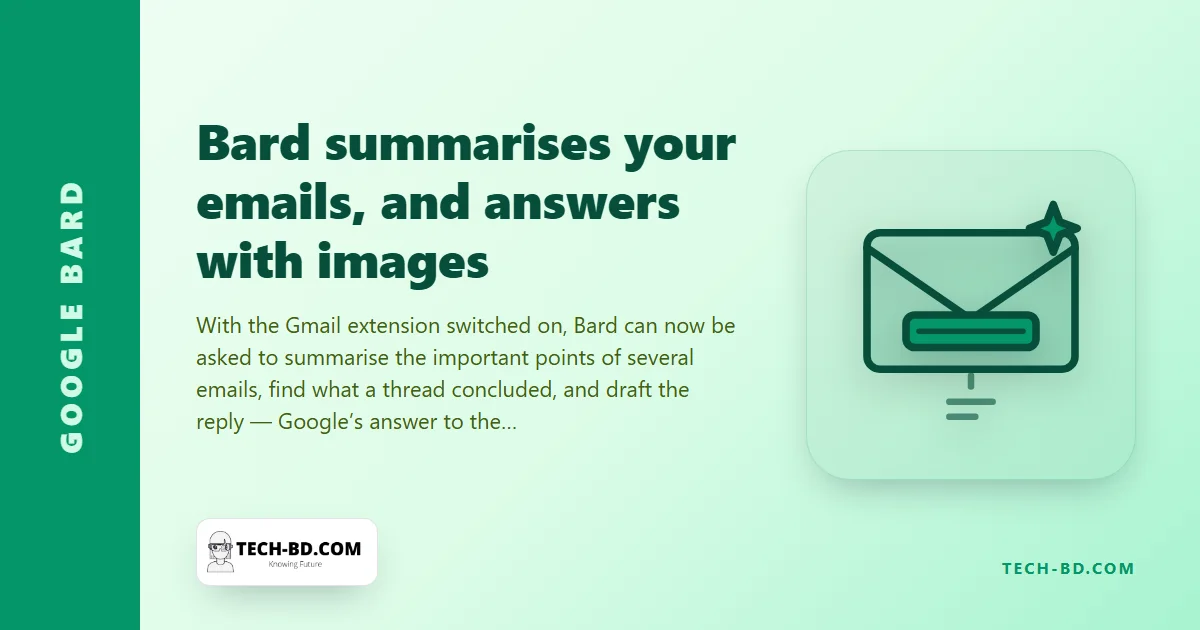
Nobody reads all their email. The important message from a client sits under thirty newsletters, and the thread that decided something has forty replies. Google’s chatbot Bard has, since September, been able to reach into Gmail through an extension; this week’s update teaches it to summarise. Ask it what the emails from a particular sender this week were about, or what a long thread concluded, and it produces a short list of the key points — with links to the messages, and without your opening any of them.
How to use it
- Go to bard.google.com, signed in with a personal Google account (Workspace accounts need an administrator to enable it).
- Open Extensions (the puzzle-piece icon) and turn on Google Workspace, which covers Gmail, Drive and Docs.
- Ask in plain language: “Summarise the emails from my landlord this month”, “What did the thread about the Chattogram delivery decide?”, “Find the invoice from Star Tech and tell me the total”. Prefix with @Gmail to force the extension.
Bard reads the matching messages, writes the summary and cites them; a “Google it” button checks its claims against the source. The same update lets Bard show images in its answers — a question about a recipe or a landmark now returns pictures, drawn from Google Images with their source.
What it can see, and what it does with it
With the extension on, Bard can read any message in your Gmail that matches the request; it is not confined to the ones you point at. Google’s stated rules: Workspace content retrieved this way is not used to train Bard, is not seen by human reviewers, and is not used for advertising. Conversations with Bard itself are stored under Bard Activity unless you turn that off. The extension can be disabled from the same menu in one tap.
Why this one arrives here on day one
Google’s AI features usually reach Bangladesh months after the United States, if at all. Bard, unusually, launched in Bangladesh with its 180-country expansion in May, and the extensions work wherever Bard does — so a Dhaka user with a personal Gmail can summarise their inbox today, in English. In Bangla the summaries are serviceable and occasionally wrong about who said what, which for an email about money is the wrong kind of wrong. Read the cited message before acting on the summary.
The obvious use
Freelancers with a dozen client threads, and anyone returning from a week off. Ask Bard “what do I need to reply to from the last seven days?” and you have the list that used to take an hour to make.
The failure mode to expect
Summarising email is the one AI task where the mistakes are systematic rather than random, and knowing the pattern is most of the defence.
A summariser optimises for what the thread is about, and the thing you need is usually what it asks of you — one sentence, often near the end, often phrased politely enough to look like a pleasantry. "Do let us know by Thursday if the earlier figure still stands" summarises away to nothing.
So ask for the obligation rather than the topic. "What does each of these threads require me to do, and by when? Quote the sentence." The quoted sentence is the part you can check, and checking it against the original is the difference between reading a summary and trusting one.
Source: Android Central, via Prothom Alo.